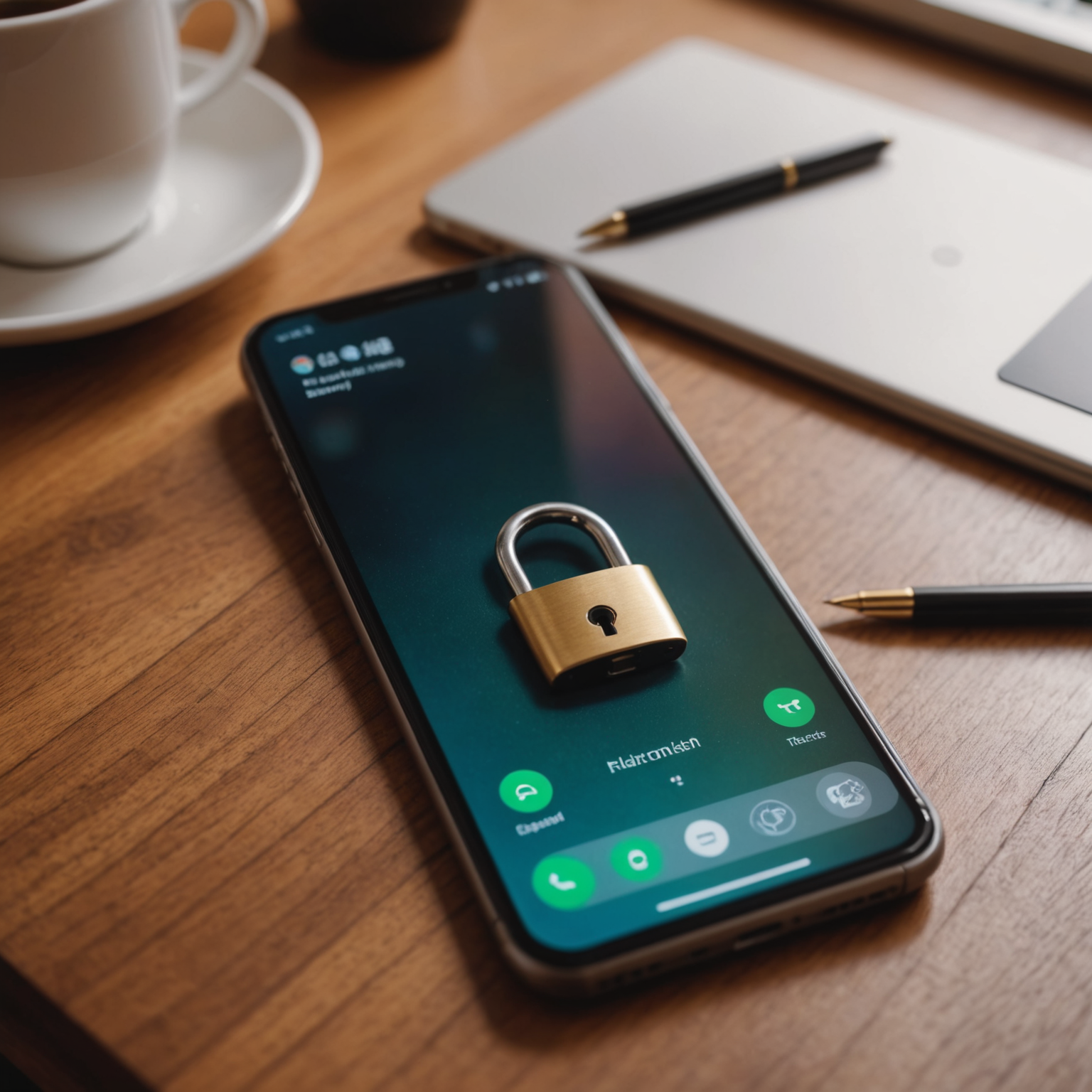
Your lock screen is showing too much. Right now, on most iPhones and Android phones, text message previews, email subjects, and app notifications display fully visible on the lock screen without requiring any authentication. That means anyone who picks up your phone, even for a few seconds, can see incoming two-factor authentication codes, bank alerts, and password reset links.
This is the setting. Lock screen notification previews. And it’s enabled by default on nearly every smartphone sold today.
Why This One Setting Matters So Much
Two-factor authentication has become the standard security recommendation. Turn on 2FA, the experts say, and your accounts are much harder to hack. That’s true, but only if the second factor is actually secure.
When your phone displays a six-digit verification code right on the lock screen, that second factor becomes visible to anyone within arm’s reach. A coworker. Someone sitting next to you at a coffee shop. A thief who grabs your phone for 30 seconds and then hands it back saying “sorry, thought it was mine.”
Security researchers at a major university tested this in 2024. They found that in over 70% of cases, authentication codes displayed on lock screens could be read from several feet away. The codes were visible for long enough to memorize or photograph, even without unlocking the device.
That six-digit code combined with a stolen password (which is easy to obtain from data breaches) gives a thief everything they need to access your accounts.
The 5-Minute Fix
Turning off lock screen previews is straightforward on both major platforms.
On iPhone: Go to Settings, then Notifications, then Show Previews. Change it from “Always” to “When Unlocked.” That’s it. Your notifications will still come through, but the content will be hidden until you authenticate with Face ID, Touch ID, or your passcode.
On Android: Go to Settings, then Notifications, then Lock Screen Notifications. Select “Hide sensitive content” or “Don’t show notifications at all.” The exact wording varies by manufacturer, but every Android phone has this option somewhere in notification settings.
After making this change, your lock screen will show that you received a message or notification, but the actual content stays hidden. You’ll still see everything once you unlock your phone normally. The only difference is that a stranger looking at your screen sees nothing useful.
Other Phone Settings That Are Quietly Working Against You
While you’re in your settings, there are a few more defaults worth changing.
Bluetooth and Wi-Fi auto-connect. Your phone is constantly broadcasting its presence and looking for known networks. This makes you vulnerable to “evil twin” attacks, where a thief sets up a fake Wi-Fi network with a common name like “Starbucks WiFi” or “Free Airport Internet.” Your phone connects automatically, and now all your traffic passes through their device.
Turn off auto-join for public networks. On iPhone, go to Settings, then Wi-Fi, then Ask to Join Networks, and set it to “Ask.” On Android, go to Settings, then Network, and disable “Connect to open networks.”
Location sharing in photos. Every photo you take includes GPS coordinates in its metadata by default. When you post a photo online or send it to someone, that location data often travels with it. Someone can extract the exact coordinates of where you took the picture, including photos taken inside your home.
On iPhone, go to Settings, then Privacy, then Location Services, then Camera, and set it to “Never.” On Android, open your Camera app settings and disable “Save location.”
Old app permissions. Apps you downloaded three years ago and used once might still have permission to access your contacts, camera, microphone, and location. Each of these permissions is a potential data leak.
Go through your app permissions periodically. On iPhone, it’s under Settings, then Privacy. On Android, it’s Settings, then Apps, then Permissions. Revoke anything that doesn’t make sense. Your flashlight app does not need access to your contacts.
Your Phone Is a Skeleton Key
Think about what your phone can access right now without any additional passwords. Your email. Your bank app. Your investment accounts. Venmo and PayPal. Your health insurance portal. Your Amazon account with saved credit cards.
Most people have dozens of sensitive accounts accessible from their phone with minimal additional authentication. Many banking apps stay logged in for days or weeks at a time. If someone accesses your unlocked phone, they essentially have the keys to your entire financial life.
A few more things worth doing today:
Set a stronger passcode. Switch from a 4-digit PIN to a 6-digit PIN at minimum, or better yet, use an alphanumeric password. Four-digit PINs have 10,000 possible combinations. Six-digit PINs have a million. An alphanumeric password has billions.
Reduce your auto-lock timer. Set your phone to lock after 30 seconds of inactivity instead of 5 minutes. Yes, it means unlocking more often. That’s a small inconvenience compared to leaving your phone open and vulnerable every time you set it down.
Enable remote wipe. Both iPhone (Find My) and Android (Find My Device) allow you to remotely erase your phone if it’s lost or stolen. Make sure this feature is turned on before you need it.
Five Minutes That Actually Matter
Most identity theft advice involves complicated steps, paid services, or things you’ll “get around to eventually.” This is different. Changing your lock screen preview setting takes less time than reading this article, and it closes one of the most commonly exploited gaps in personal security.
Your phone is the most valuable target an identity thief can hit. Not your mail, not your trash, not even your computer. Your phone. And a default setting that ships on every device is making their job significantly easier.
Open your settings right now. Change it. Then tackle the other items on this list. The whole process takes five minutes, and it makes you a dramatically harder target.